



“The application works fine. Why change it?”
It’s usually the first question in a modernization conversation, and when an application runs daily operations, a framework upgrade can look like risk with no reward. But “fine” tends to carry hidden costs: security coverage depends on the Windows version underneath the app, newer libraries are out of reach, and hosting stays tied to Windows servers. The timing matters too, because .NET 8 and .NET 9 both lose Microsoft support on November 10, with no security fixes after that.
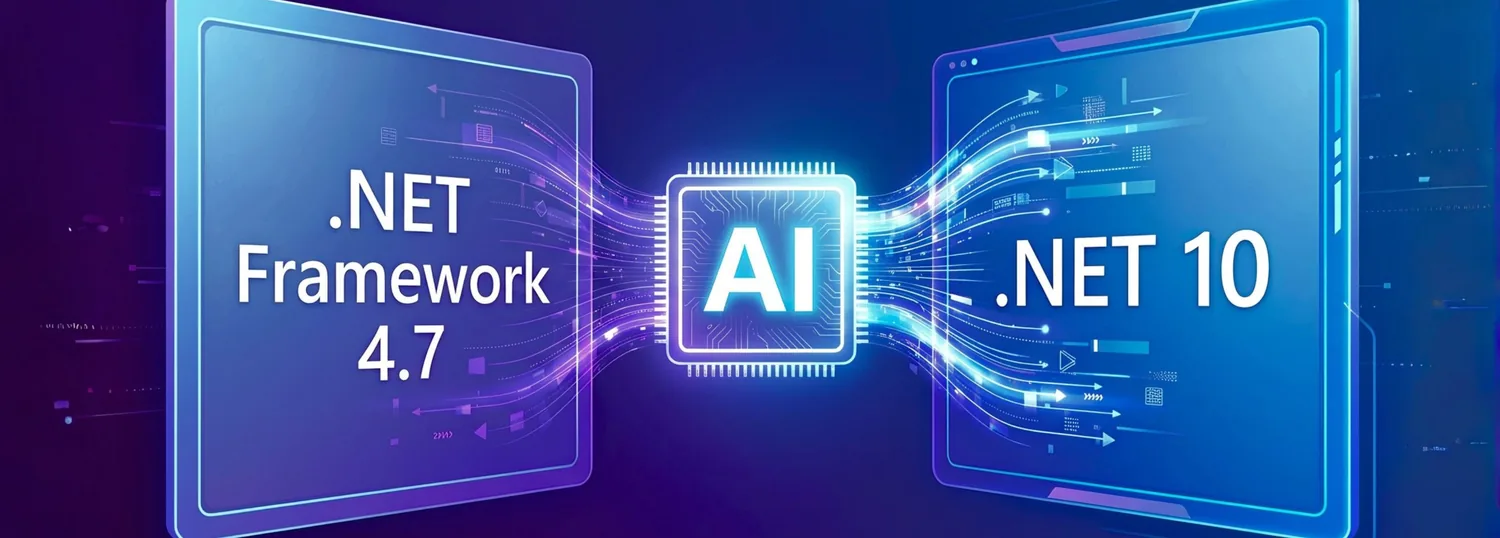
Our team faced this challenge when upgrading a client’s application from .NET Framework 4.7 to .NET 10. We used GitHub Copilot and its .NET modernization agent to speed up analysis, troubleshooting, and test preparation while our developers made the decisions, and we finished in one month. Based on our team’s assessment, doing the same work manually could have taken close to a year.
Our experience taught us an important principle: AI can accelerate modernization, but human judgment must remain at the center of every critical decision.
Why Modernization Was Necessary
Modernization helps organizations maintain their applications, address compatibility challenges, and prepare for future development. As frameworks and development tools evolve, older applications may require additional effort to remain compatible with newer packages and technologies. Over time, maintaining an aging codebase can become more challenging, particularly when changes must preserve existing business behavior.
Three reasons drove our decision to upgrade the client’s application from .NET Framework 4.7 to .NET 10.
- A support date you can plan around: .NET Framework 4.7 does not have an independent end-of-support date; its support follows the lifecycle of the underlying Windows operating system. In contrast, .NET 10 is a Long-Term Support (LTS) release, supported by Microsoft until November 14, 2028.
- More hosting choices: Migrating to .NET 10 lets applications run across multiple operating systems, including Windows, Linux, and macOS. Unlike the Windows-only .NET Framework, it gave us the option to host on Linux servers and widened our deployment choices.
- Access to modern libraries: .NET Framework can limit access to newer libraries and technologies, as some modern frameworks and libraries target only modern .NET, including current versions of ASP.NET Core and Entity Framework Core. Migrating to .NET 10 provides access to a broader ecosystem of current libraries and development capabilities.
The upgrade was also an opportunity to:
- Review existing dependencies and package compatibility.
- Update code to support the newer framework.
- Identify opportunities to remove unused packages and simplify code.
- Verify that existing application functionality continues to work as expected.
The challenge was to modernize the technical foundation without treating the project as a complete rewrite. We needed a structured approach that balanced progress with careful review and validation.
Planning the Migration with AI
Before we began implementation, we invested significant time in understanding the existing codebase, reviewing package compatibility, and preparing a migration strategy.
GitHub Copilot's .NET modernization agent helped us analyze the application and identify potential upgrade requirements. It also highlighted opportunities for code cleanup, including unused packages and areas that could be simplified.
Our developers reviewed these findings, evaluated the recommendations, and refined the migration plan. AI assisted with analysis, but the team applied its technical expertise and understanding of the client's application to determine which changes were appropriate.
Based on this analysis, we planned to address the identified changes in manageable stages rather than attempting to upgrade the entire application at once. This approach provided a structured migration plan and enabled us to validate changes incrementally throughout the upgrade.
What we focused on during planning
- Dependency Compatibility: GitHub Copilot assisted in identifying packages requiring compatibility assessment for .NET 10. Our development team evaluated the findings and determined the appropriate package updates.
- Configuration Updates: Reviewing application configuration and adapting settings from web.config to the appropriate structure in appsettings.json.
- Code Cleanup: Identifying and removing unused packages to reduce unnecessary dependencies and improve maintainability.
- Migration Planning: Organizing the required changes into manageable stages to support a structured upgrade and incremental validation.
The key takeaway from this phase was that effective AI-assisted modernization begins with a clear plan, not simply with an automated upgrade.
Implementing the Upgrade with AI
With the migration plan in place, we prepared to begin the upgrade to .NET 10.
AI helped us analyze build errors, investigate compatibility issues, and identify potential fixes. Our developers reviewed these suggestions, improved the code where needed, and refined the migration plan as new challenges emerged.
We followed an iterative workflow, building and validating changes throughout the migration rather than waiting until the entire upgrade was complete.
Our iterative workflow
Analyze → Upgrade → Build & Fix → Validate
Each step had a clear purpose:
- Analyze: understand the code, dependencies, and errors that needed attention.
- Upgrade: apply the required framework and code changes.
- Build & Fix: resolve compilation errors and address compatibility issues.
- Validate: review the changes and confirm that the project was ready for the next stage.
This incremental approach helped us isolate issues and maintain control over the migration. It also made the changes easier to review than attempting to upgrade the entire solution simultaneously.
Where developer expertise mattered
AI-generated suggestions were treated as a starting point, not as final solutions. Our developers assessed the recommendations, made improvements where necessary, and verified that the changes aligned with the application's requirements.
The migration plan was also adjusted as new challenges emerged. This combination of AI-assisted analysis and continuous developer review helped us make progress without losing sight of code quality or application reliability.
AI-Assisted Testing and Validation
A successful build does not necessarily mean an application behaves as expected. Testing was therefore an essential part of the migration.
We used GitHub Copilot to generate test cases covering different inputs and application scenarios.
Test scenarios included
- Valid request payloads.
- Invalid request payloads.
- Different input formats.
- Other relevant application scenarios.
Human expertise remained central to the validation process. While GitHub Copilot provided a starting point, our testers brought their understanding of the application requirements and real-world usage scenarios to the process. They critically reviewed the generated test cases, identified gaps in coverage, and developed additional scenarios to address them. The team then executed the tests, investigated failures, and performed hands-on website testing to confirm that the application continued to behave as expected after the upgrade.
This collaboration ensured that testing was not limited to AI-generated suggestions. By combining AI's ability to accelerate test preparation with the team's experience and judgment, we achieved a more thorough and reliable validation process.
Why testing remained essential
Framework upgrades can introduce changes that are not always obvious from a successful build alone. Testing helps identify unexpected behavior and provides an additional level of confidence before deployment.
For this reason, we treated validation as part of the migration process rather than an activity to be completed only after implementation.
What AI Contributed and What Developers Owned
One important lesson from this project was that AI assistance and developer expertise serve different purposes.
One example was the migration of configuration settings from web.config to appsettings.json. In the AI-generated configuration conversion, a required configuration object was missing in appsettings.json, so the application code could not read the values it expected. Our developers traced the problem, corrected the configuration, and confirmed that the settings loaded correctly.
AI helped reduce the effort involved in several engineering activities, but the team remained responsible for the quality of the final implementation.
This distinction matters because modernization is not simply a code-generation exercise. It requires understanding the application, deciding which changes are appropriate, and verifying that the final result meets its requirements.
What AI Delivered in Our .NET 10 Migration
The migration demonstrated how AI-assisted development can help teams approach complex modernization projects more efficiently.
One of the most significant outcomes was the reduction in migration time. Given the size and complexity of the application, we initially estimated the AI-assisted migration would take approximately 2–2.5 months. However, we completed it in just one month, including testing and validation. Based on our team's assessment, completing the same effort manually could have taken close to a year.
“With AI, the challenge is no longer just how much work modernization requires, but how intelligently that work can be approached.”
GitHub Copilot supported code analysis, troubleshooting, package compatibility checks, code cleanup, and test-case generation. Our developers and testers provided the planning and technical judgment needed to review the implementation, make changes where necessary, and validate the results to ensure a successful outcome.
The impact came from combining AI assistance with a structured migration process:
- More focused analysis: AI helped identify potential upgrade requirements and cleanup opportunities.
- Incremental implementation: Breaking the migration into manageable stages made the work easier to manage and review.
- Developer-led decisions: recommendations were assessed and refined rather than accepted automatically. For example, our developers corrected a configuration conversion that left required settings unavailable to the application code.
- AI-assisted testing: generated test cases gave the testing team scenarios to review and execute.
Overall, the migration showed that AI is most valuable when it supports an established engineering process rather than replacing it.
One lesson that stood out was that a successful build does not necessarily mean the application will behave as expected. During the configuration migration, a missing object in appsettings.json meant the application code could not retrieve its required settings. This showed us why validating the running application is just as important as ensuring that the code builds successfully.
5 Lessons for AI-Assisted Legacy Modernization
Our experience highlighted five practical lessons for teams considering AI-assisted modernization.
- Understand before upgrading: Review the codebase, dependencies, and compatibility requirements before making significant changes. A clear plan provides a stronger foundation for implementation.
- Break the work into manageable steps: Organizing the migration into manageable stages makes it easier to isolate issues, review changes, and validate progress.
- Use AI as an assistant, not an autopilot: AI can suggest solutions and accelerate analysis, but developers must evaluate recommendations and make informed decisions.
- Include testing throughout the process: AI-generated test cases can be useful starting points, but they must be reviewed and executed to verify application behavior.
- Keep maintainability in focus: Modernization is an opportunity to address unnecessary complexity and improve the codebase where appropriate-not merely to make an application compile on a newer framework.
Modernize Faster, Decide Carefully
Modernizing a legacy application requires more than changing its framework version. It demands planning, dependency analysis, code improvements, and thorough testing.
Our experience modernizing a client's application from .NET Framework 4.7 to .NET 10 showed how GitHub Copilot and its .NET modernization agent can support this work through code analysis, migration planning, implementation assistance, and test-case generation.
The experience also reinforced that AI alone does not guarantee a successful upgrade. The most effective approach combines AI capabilities with developer expertise, incremental execution, and thorough validation.
The lesson is simple: AI can help teams modernize smarter, but engineering judgment remains essential to getting it right.